How I Plan (and Write) Endless Newsletter Content

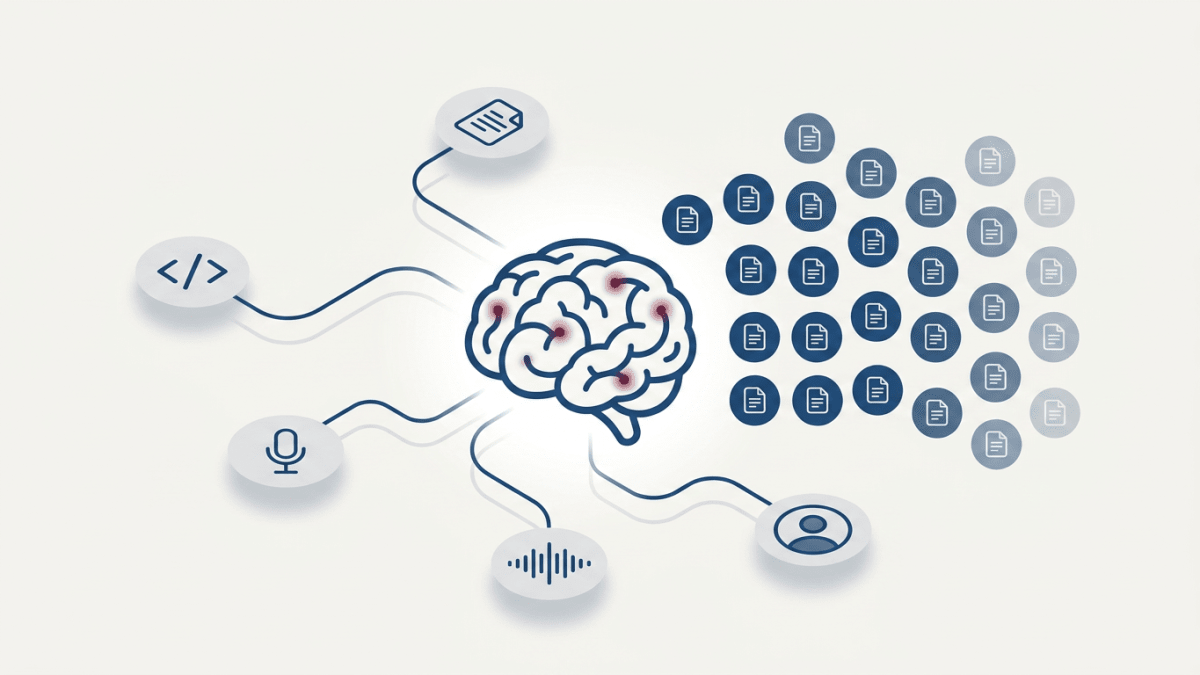
Last week I sat down to plan content for this newsletter. Less than 57 minutes later (I counted), I had two-quarters’ worth of topics mapped, filtered against my audience, and queued for auto-writing. My coffee was still hot.
I’ve spent years doing what most creators do: staring at a blank content calendar on Sunday night, hoping something would come to me. Sometimes it did. Most of the time I’d cobble together whatever felt “good enough” and spend Monday morning second-guessing it.
But now, all you have to do is feed AI the right inputs and it can do the content ideation you’ve been doing manually for years, better than you ever could.
The Sunday Night Content Dread (Why Most Planning Fails)
You know the feeling. It’s Sunday evening, you’ve got a newsletter to write this week, and you’re scrolling through your notes app looking for that one idea you swore you’d remember.
This is the weekly content planning trap, and it doesn’t scale.
When you brainstorm from scratch every week, you’re doing two jobs simultaneously: strategist and creator. You’re deciding what to write while also figuring out how to write it. That cognitive switching is exhausting, and it’s why so many newsletters die after a few months.
85% of AI users are already deploying it for content creation, but most of them are using it the wrong way. They open ChatGPT, type “give me newsletter ideas about [topic],” and get back a list of generic suggestions that could apply to anyone. No connection to their actual work. No audience specificity. No system.
I stopped treating content planning like a creative exercise and started treating it like a data problem. The inputs were already there. I just hadn’t fed them to the right tool yet.
The 5-Source Framework for Endless Topic Ideas
Okay, so I use five distinct sources to generate newsletter topics, and each one produces a completely different type of content. It may not seem exhaustive, but I’ve found it’s all I need:
1. Codebase Analysis

I connected Claude to the Flyletter GitHub repo and had it review the code. Not to write about the code itself, but to surface the decisions embedded in the build.
For example, Claude identified how Flyletter captures a brand’s voice through a three-tier prompt architecture. That became a topic, immediately, because not only is it interesting to my audience, but it’s also a natural way to bring up Flyletter without being pushy.
The architectural choices you make while building contain dozens of stories your audience would find valuable (if you remember to look, which I definitely didn’t for way too long).
2. Deep Research Reports
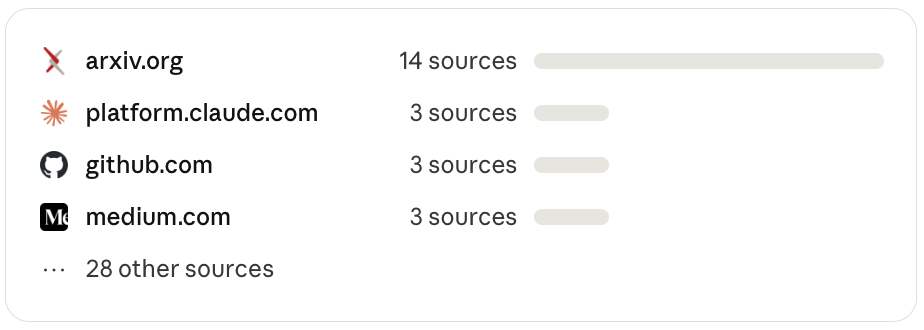
I run deep research reports religiously (not that Claude is a god or anything...yet). Every time I have a problem to solve, I’ll have Claude kick off a deep research task and have it compile a report on the subject for me to review and implement.
Prompt engineering principles, YouTube SEO best practices. All of these research reports can be turned into actionable content to share with your audience.
I feed those reports to Claude and ask it to extract newsletter angles from each finding. Turns out, research you’ve already done for other purposes is a content gold mine sitting in your Google Drive or Notion.
3. Call and Video Transcripts
Do you record YouTube videos (like this one)? How about internal meetings or customer conversations?
Every recording contains topic ideas you forgot you had. I uploaded transcripts from customer calls (with permission), strategy sessions, YouTube tutorial videos I’d recorded, and more. Claude pulled out recurring questions, surprising reactions, and specific pain points that mapped directly to newsletter topics.
The transcript source ended up being the most productive of all five, which I genuinely did not expect.
4. Core Use Cases Mapped to ICP
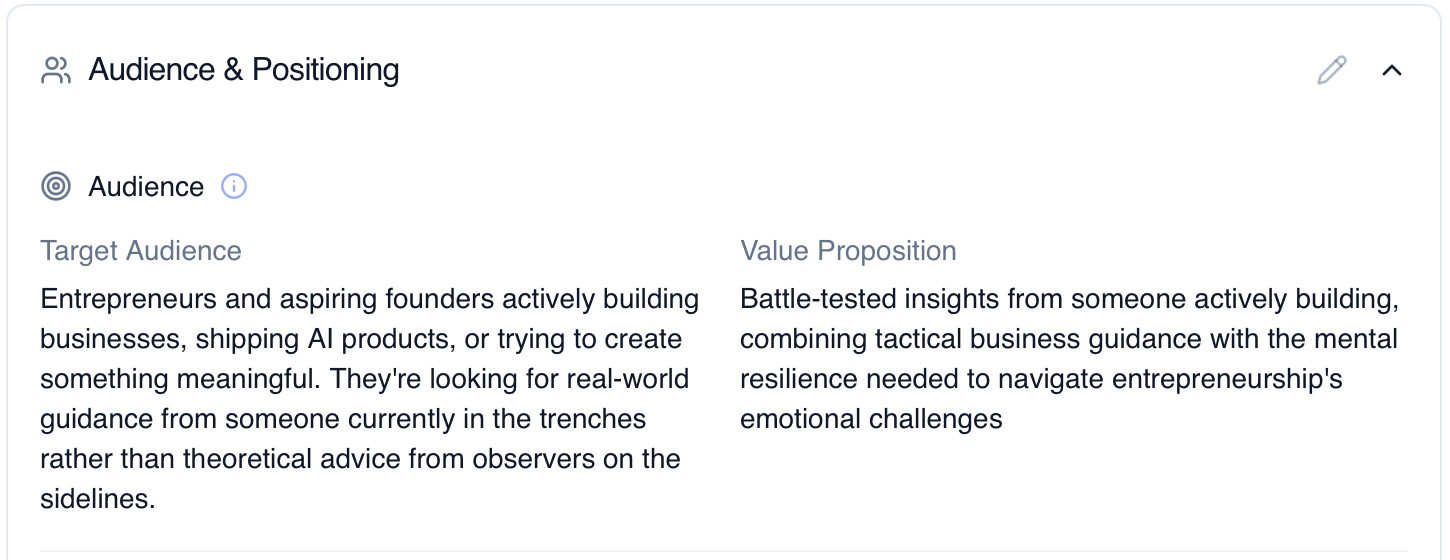
I had Claude define Flyletter’s core use cases, then cross-reference each one against our ideal customer profile. Systematic. Not creative. That’s the point.
This generated topics that sit at the intersection of “what our product does” and “what our audience actually cares about.” Different from brainstorming because every single topic connects to a real need instead of whatever sounded clever in my head at 11pm on a Sunday.
5. Voice Memo Transcripts
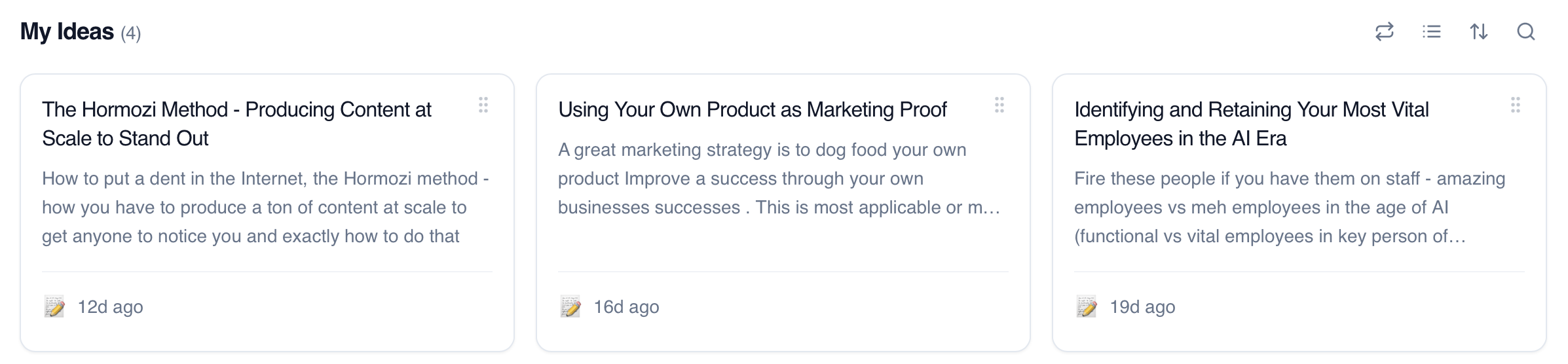
This one’s almost too easy. Whenever I have an idea, I capture it by dictating directly to Flyletter. No structure, no editing, just talking through a thought while it’s fresh.
Turns out, the way you explain something out loud is almost always clearer than the way you’d outline it in a doc, and makes it even easier for AI to capture your voice when it’s time to write. Plus, you capture ideas that would’ve disappeared by the time you sat down (I started doing this because I’m lazy, but it’s become one of my most reliable sources).
Marketers report saving an average of 3 hours per piece when using AI for content creation. But the real savings come from batch-generating topics instead of reinventing the wheel every week.
The ICP Filter: Cutting Everything That Doesn’t Connect
Raw topic generation is only half the battle. You’ll generate more ideas than you need (a good problem to have), but not all of them will be right for your audience.
Here’s what I mean: Claude pulled a topic from the codebase about the specific NLP models we use for voice analysis. Technically fascinating. I could’ve written 2,000 words on embedding strategies and had a great time doing it. But my readers skew founders and business operators, not ML engineers. That topic would’ve made their eyes glaze over in the first paragraph (like it’s probably doing now). Cut.
The pattern became obvious pretty fast. If a topic only excited me because I’m the one building the product, it didn’t belong in this newsletter. Every topic needed to connect to something a reader could actually do. Theory without a “try this” component? Gone.
I also caught myself keeping topics that were relevant to my audience but had zero relationship to what I’m actually building. Random productivity advice, general creator economy takes—stuff that might get clicks but wouldn’t move anyone closer to understanding why systematic newsletter creation matters.
Those got cut too, just less aggressively. Maybe one out of every six or seven issues can wander. But the default is: does this connect back to the thing I’m helping people do?
The filtering killed roughly 40% of what was generated. Which sounds painful, but it’s way better than publishing something nobody asked for and wondering why engagement dropped.
From Topics to Auto-writing: Setting Up the System
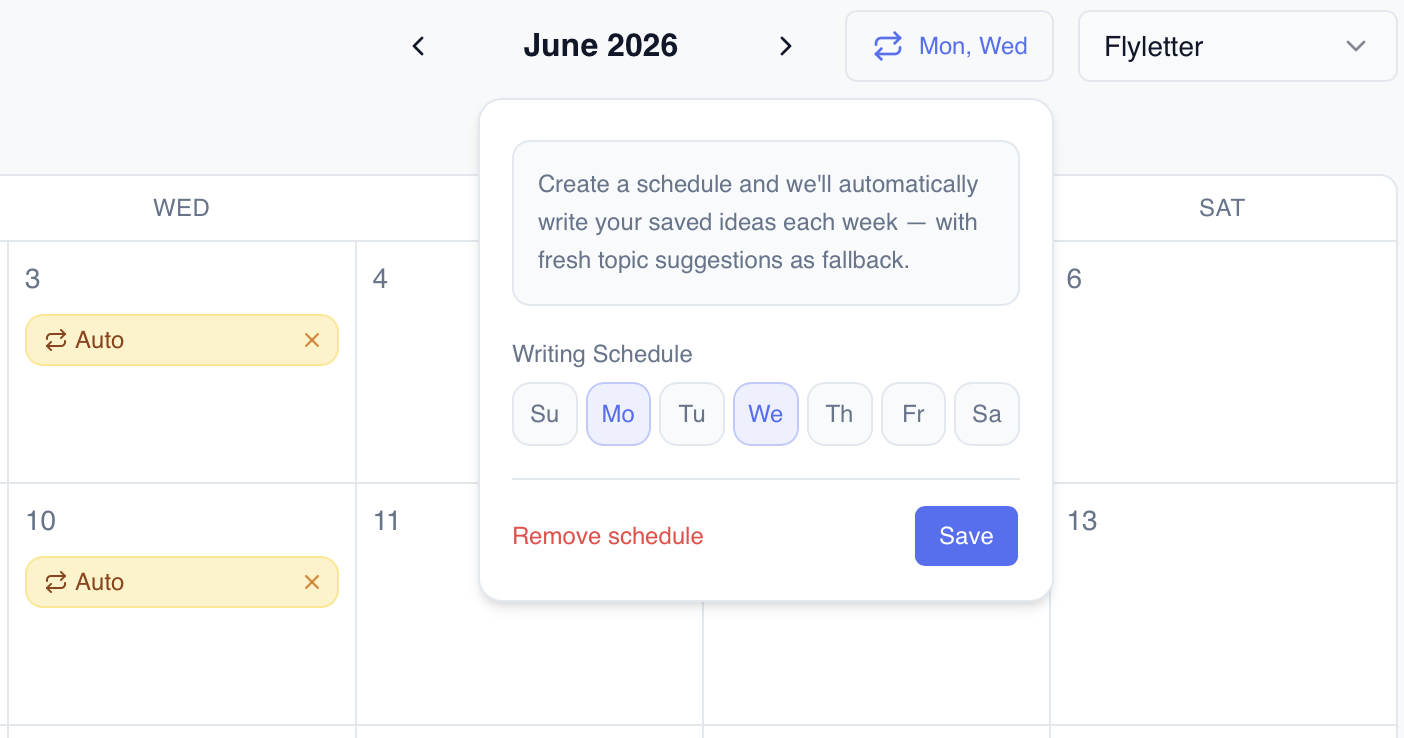
Once I had my filtered topic list, I loaded every topic directly into Flyletter and set up an auto-write schedule. From there, Flyletter writes your content while you sleep based on your set writing schedule. All you need to do is review and approve.
After calibrating the voice settings and reviewing the first few drafts, I realized the system was producing work that sounded like me on a good writing day.
The mindset shift is significant. I went from “what do I write this week?” to “what does my quarterly content strategy look like?” That’s a different question entirely. Weekly creative stress became quarterly strategic planning.
And the time I’m not spending on content decisions? I’m spending it on building my product, talking to users, and doing the work that actually moves my business forward.
So, what does your content planning process look like right now? If you’re spending more than an hour each week deciding what to write, try this: gather your codebase, your research, your transcripts, your use case docs, and your audience profile. Feed them into Claude and schedule with Flyletter. See what comes back.
My coffee was still warm when I finished. Yours might be too.

Writer, founder, and AI builder. Currently building Flyletter, previously sold Selling Signals (100k subscribers). 1 sold, 2 failed, 1 active. This post started as an issue of my weekly newsletter.